Managing customer relationships across multiple locations just got easier.
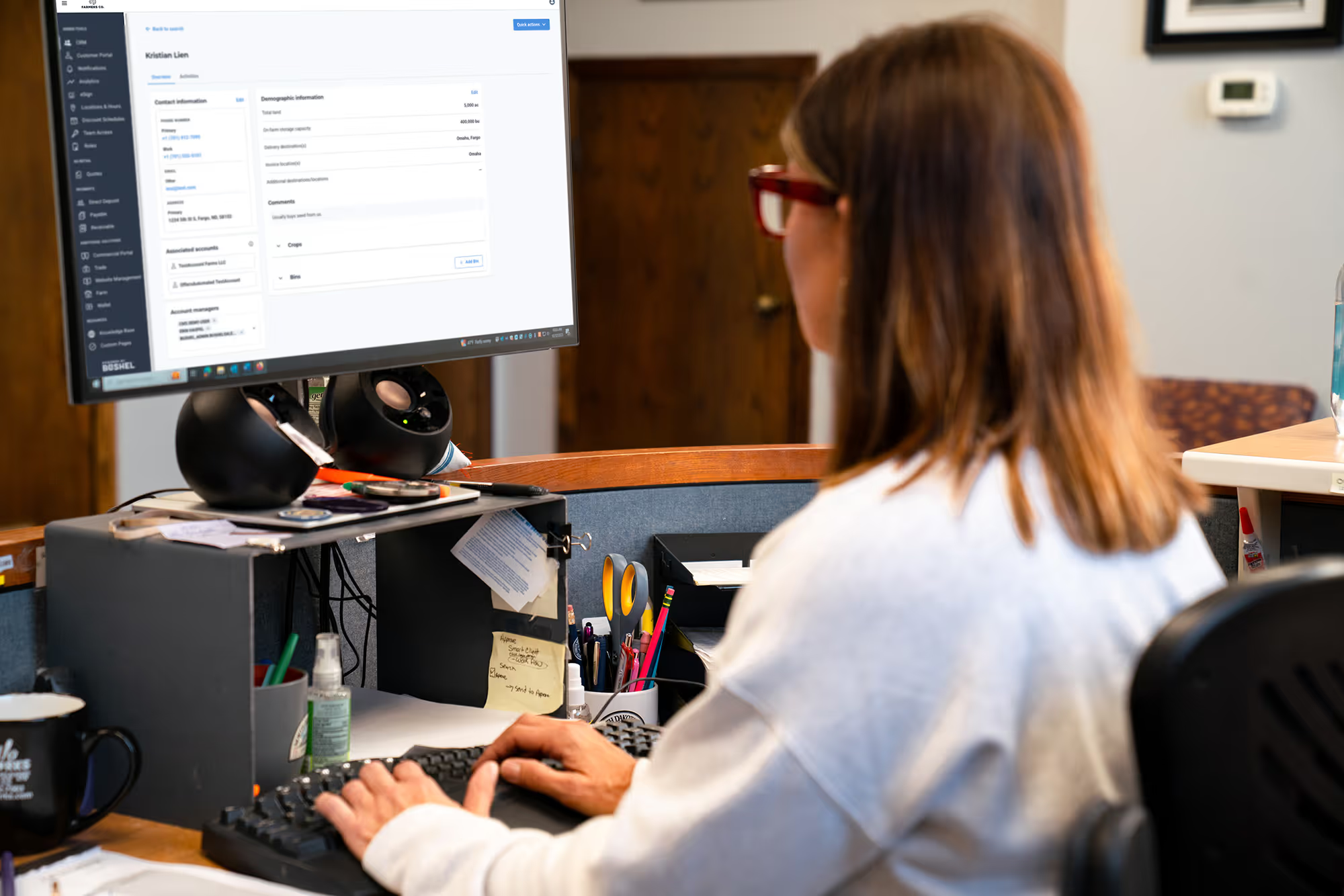
We're introducing location-based access controls for CRM and Outreach, giving your business more flexibility to manage which customers staff can access and who they can reach through customer communications.
For agribusinesses operating across multiple facilities, this means staff can stay focused on the customers they serve, while administrators have greater control over customer visibility and communication permissions.
What's New?
These improvements help your team communicate more confidently, reduce confusion across locations, and maintain better control over customer information.
Want to make sure your team's access is set up correctly? Reach out to your CSM to learn more about location-based permissions in CRM and Outreach.

Every customer conversation is a little different. Your quoting tools should be flexible enough to keep up. With new quoting capabilities available now, your team can quickly build more customized quotes, even when a product or price doesn’t fit neatly into your standard product sheet.
Staff can now:
That means fewer workarounds, fewer product-sheet updates, and more flexibility for your team to respond to customers in the moment.
Whether you’re quoting a custom feed blend, working with rapidly changing prices, or putting together a unique package for a customer, your team can create the quote they need and keep the sales conversation moving.
Available now for all customers with Quoting. To enable these capabilities for your team, assign the “Quote Custom Line Item Editor” role in Team Access or reach out to your CSM today for help getting started.

Bushel's Staff Portal now includes a dedicated Contracts page, giving your team instant visibility into contracts across every customer account. No more jumping between customer views. Powerful search and filtering (including in-filter search for accounts, commodities, and locations) have been added to help you find exactly what you need to follow up on!

Your sales opportunities shouldn’t be hidden because the same product appears under slightly different names or across multiple locations.
We’ve made the Input Sales Opportunities dashboard card more flexible so your team can get a clearer picture of customer purchasing activity and identify opportunities faster.
Instead of reviewing products one at a time and trying to piece the story together yourself, you can now group the products that belong together and see the broader sales opportunity in one place.
That means less time sorting through data and more time identifying customers who may be ready for a conversation.
Available now in Input Sales Opportunities.
Head to your CRM dashboard to try the new multi-select experience, or reach out to your CSM if you’d like help getting started.

Cash bids help growers make timely decisions, but not every bid needs the same audience. With Bid Visibility, your team can choose which cash bids stay public and which are available only to signed-in customers, directly in the Bushel Portal. Set visibility rules across your business or tailor them to a location, commodity, futures month, or individual cash bid. Before a change goes live, preview the affected bids and confirm exactly which rule applies. That means more control over sensitive pricing, while keeping the bid information you want public easy for growers to find. Bid Visibility is available for eligible Bushel Portal customers using Bushel Trade through a coordinated pilot. Reach out to your CSM to learn more.
We’re bringing My Wallet directly into the Grower Portal, giving your customers easier access to the financial tools and account information they use to do business with you.
Instead of sending growers between different experiences to manage payment methods, direct deposit, bank connections, or their Bushel Business Account, My Wallet brings these tools together within the portal experience they already use.
Depending on the services your business offers, growers can:
The goal is to make it easier for growers to manage the financial side of doing business with you while keeping your Grower Portal at the center of the customer experience.
My Wallet will appear in the Grower Portal for eligible customers when enabled for your agribusiness.

Keep weather at your fingertips to make farm planning easier. The dashboard in the Bushel App now shows a 5 day forecast for your farm location or any zip code that you choose!

The Bushel App now allows you to send communication to Bushel about your grain buyer. Bushel then proactively works with your grain buyer to get them into the network allowing more of your data to flow to you.