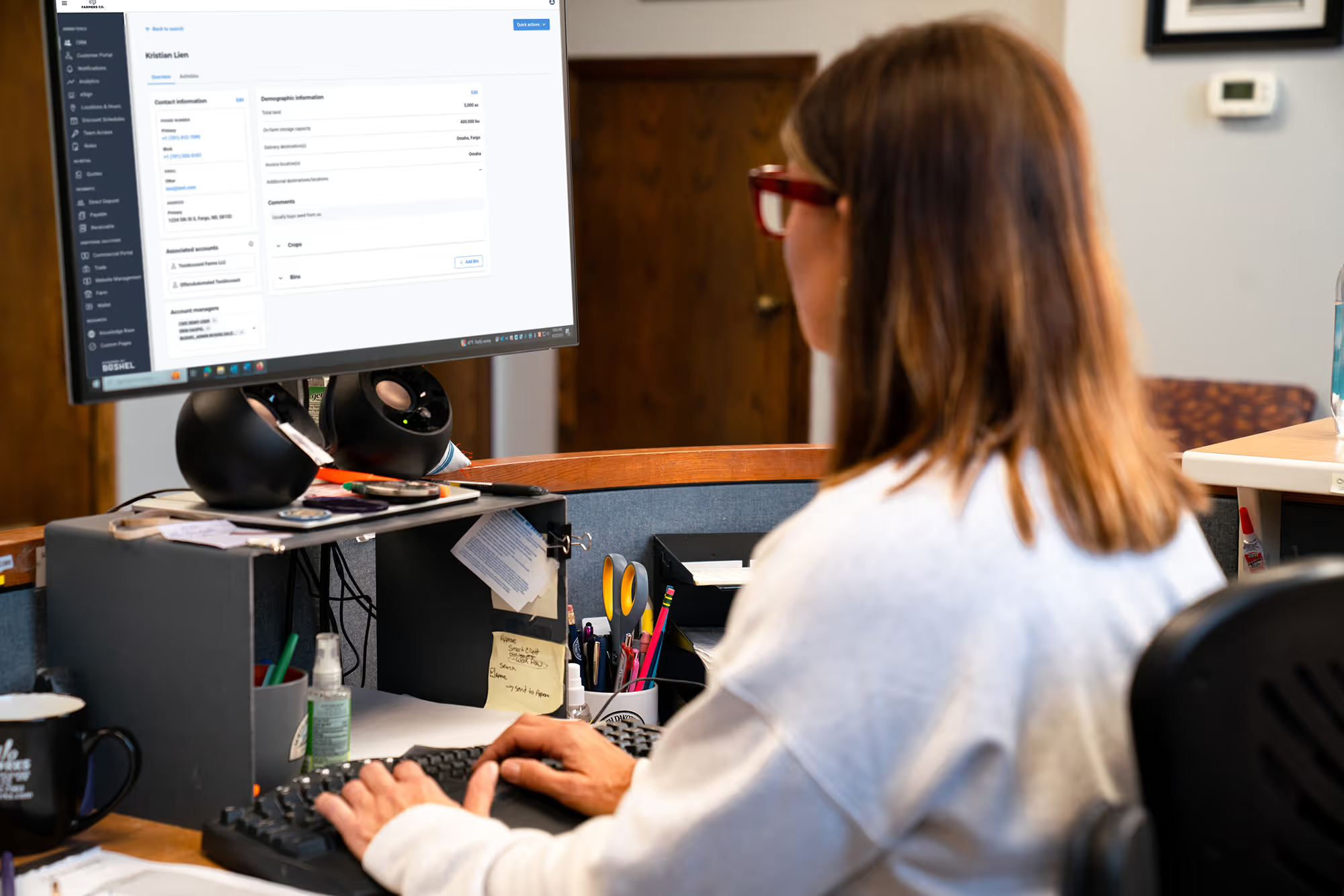



Setting Up Bushel to Manage AgTexas Loans


AgTexas and Bushel have partnered to give farmers a simpler way to manage operating loans, access funds, and make payments conveniently online
How To Get Started
open your Bushel Business Account1
Provided by The Bancorp Bank, N.A. Member FDIC
Follow the prompts to open a Bushel Business Account, the bank account built for the American farmer. Once verified, you'll be able to attach and manage your AgTexas loans.

Connect a Funding Source
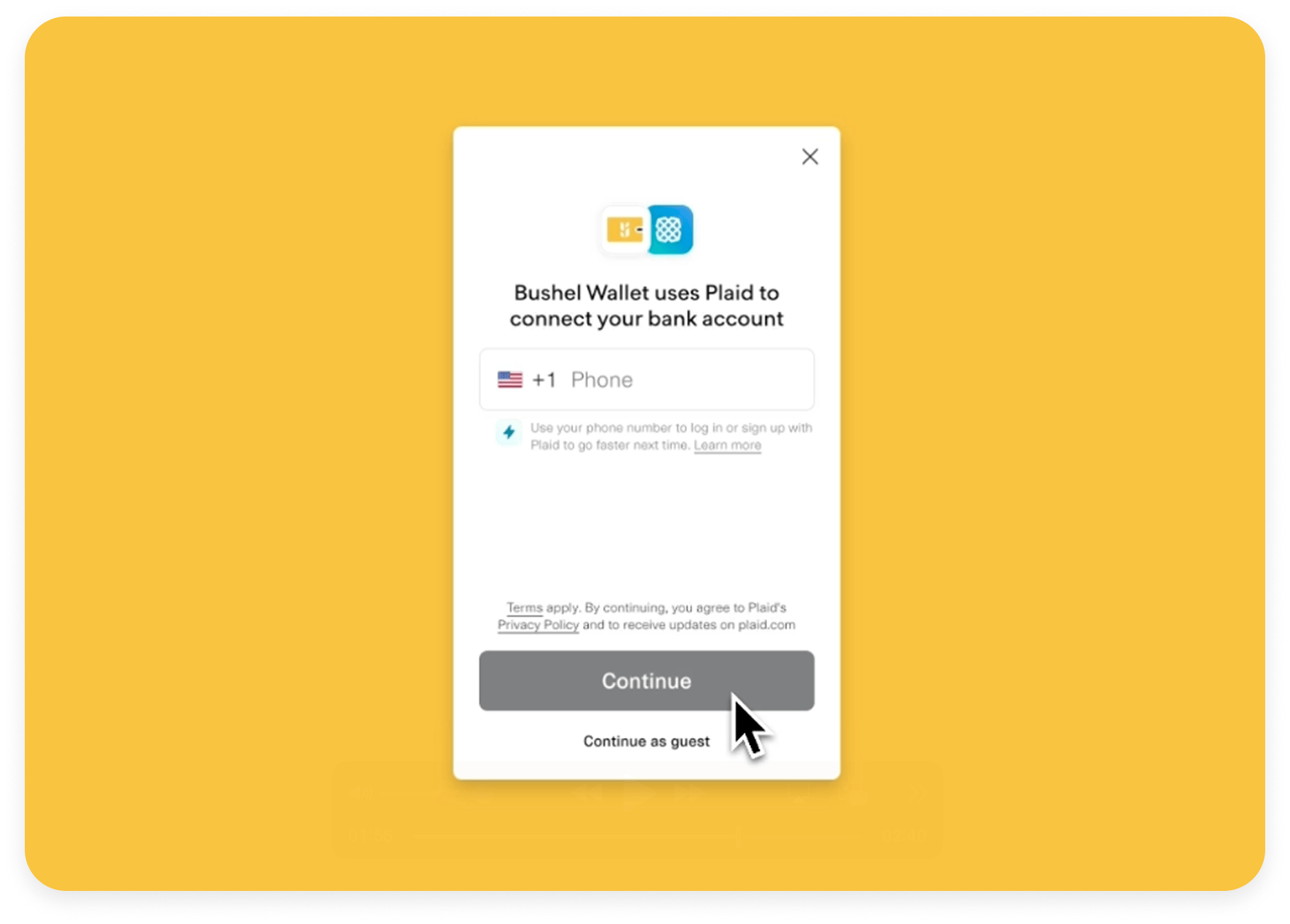
Connect an external bank account, securely through Plaid, to manage cash flow and make loan payments from the account you choose.
Attach Your Loan
- Go to the wallet feature in the Bushel web or mobile app
- Select "Link a loan or line of credit"
- Search for AgTexas when asked for your loan provider
- Enter your loan number (usually found on your monthly statement)
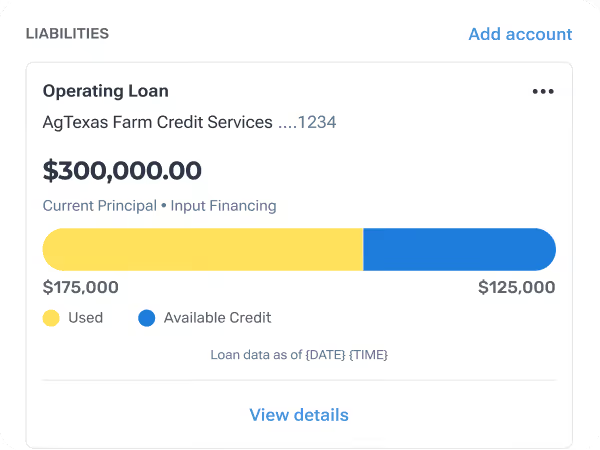
Once the request to link your loan is submitted, it will be verified within minutes. Once verified, you’ll be able to see your loan details and make payments at any time.
For all revolver loans, AgTexas will review and approve requests before disbursement.
Complete Setting Up The wallet Feature
Get the most out of your Bushel Business Account by checking out more features in your wallet
Cash Management
Link outside bank accounts for cash management between multiple accounts. You may have already done this in the Bushel Business Account set up process.
Grow Your Balance
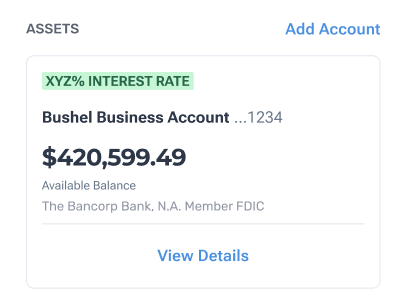
Transfer funds into your Bushel Business Account to grow your balance with competitive interest,2 currently 2.75% as of December 15, 2025.

Access Funds with A Debit Card
Opt in to your Bushel Gold Visa® Debit Card3 to spend your Bushel Business Account balance.
COMING SOON: If you do not have a Bushel Business Account balance you'll be able to use this debit card to draw funds from your AgTexas loan.

Mobile Check Deposit
Try out mobile check deposit. Deposit limits are built for agriculture,4 so you can skip the trip to the bank.
1. Go To The Web or Mobile Bushel App
Go to app.bushelfarm.com. View the navigation bar to explore your farm management features.
2. Map Your Fields
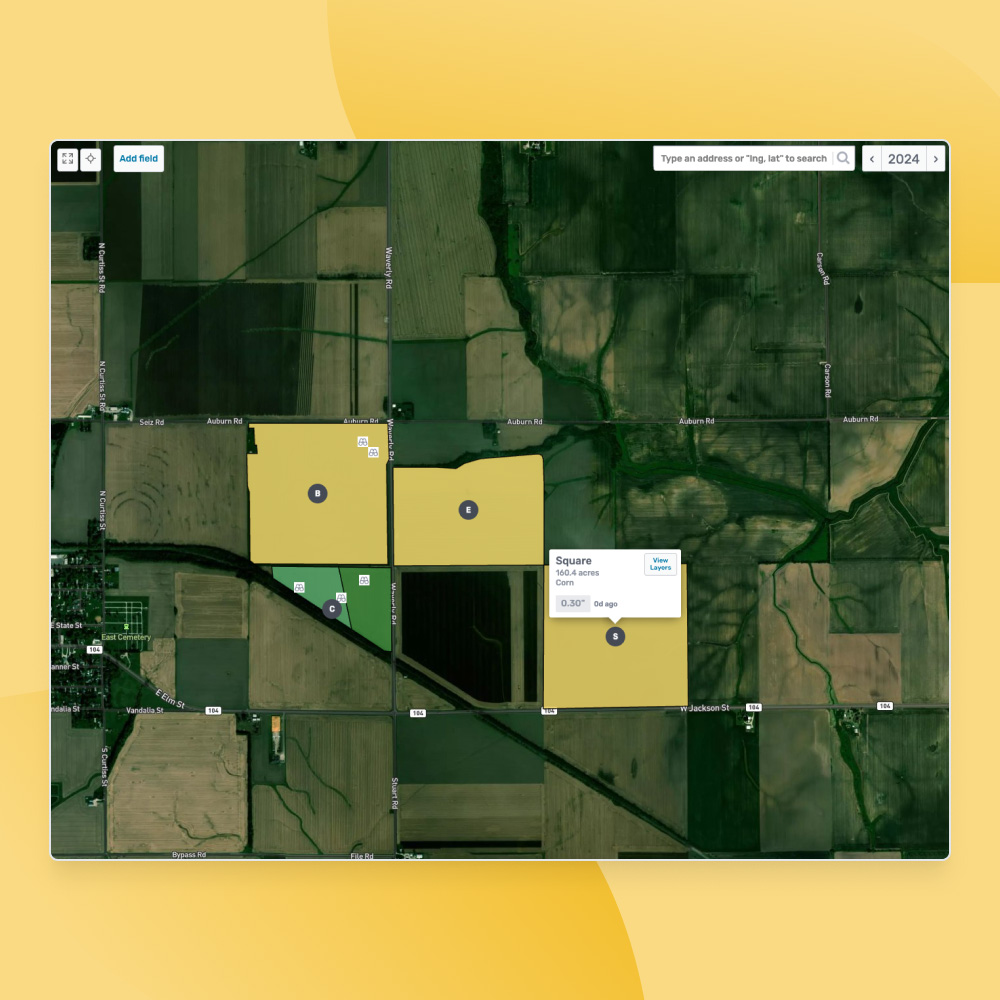
The quickest and easiest way to map fields in Bushel is to upload shapefiles. If you have field boundaries in shapefile format from other programs or the FSA, please follow these steps to map fields in Bushel.
Here are steps to download from John Deere and upload to Bushel.
If you are subscribed to the Business plan and use John Deere Operations Center or Climate FieldView, you can connect to that account and request to have your field boundaries be mapped from there.
You can also add fields manually if needed.
3. Automate Entry of Grain Contracts
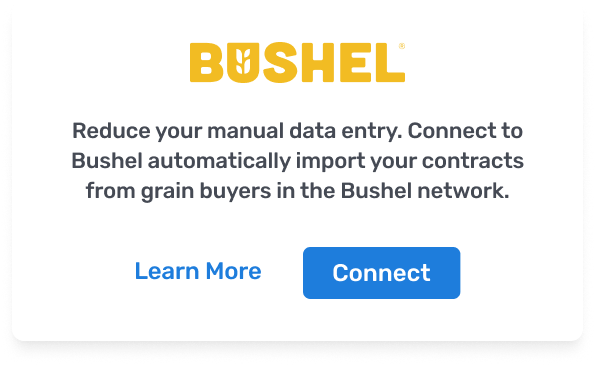
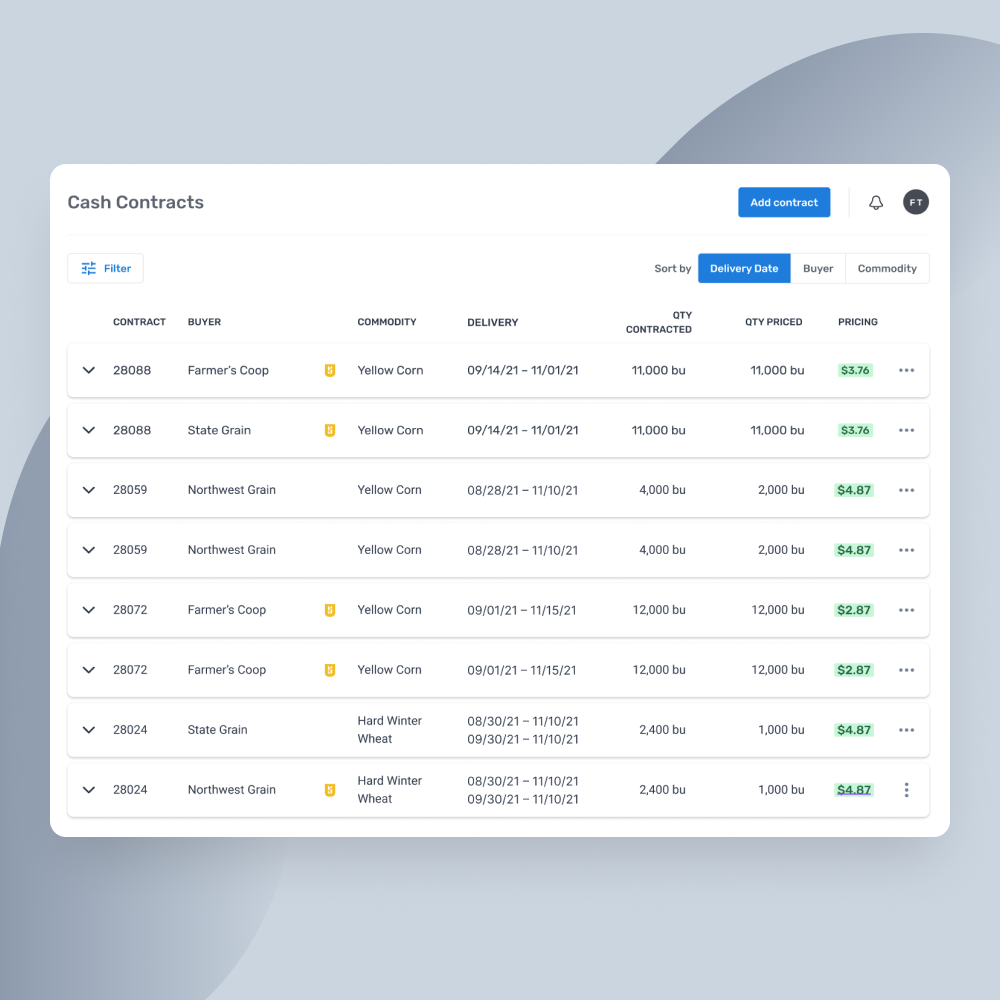
You can reduce manual entry and automate the entry of cash grain contracts by connecting your Bushel account to your accounts with any of the grain buyers in the Bushel Network. You can also manually enter, organize, view, and easily access all of your grain contracts in one convenient online location. Watch more about this here.
4. Add Crops for the Crop Year
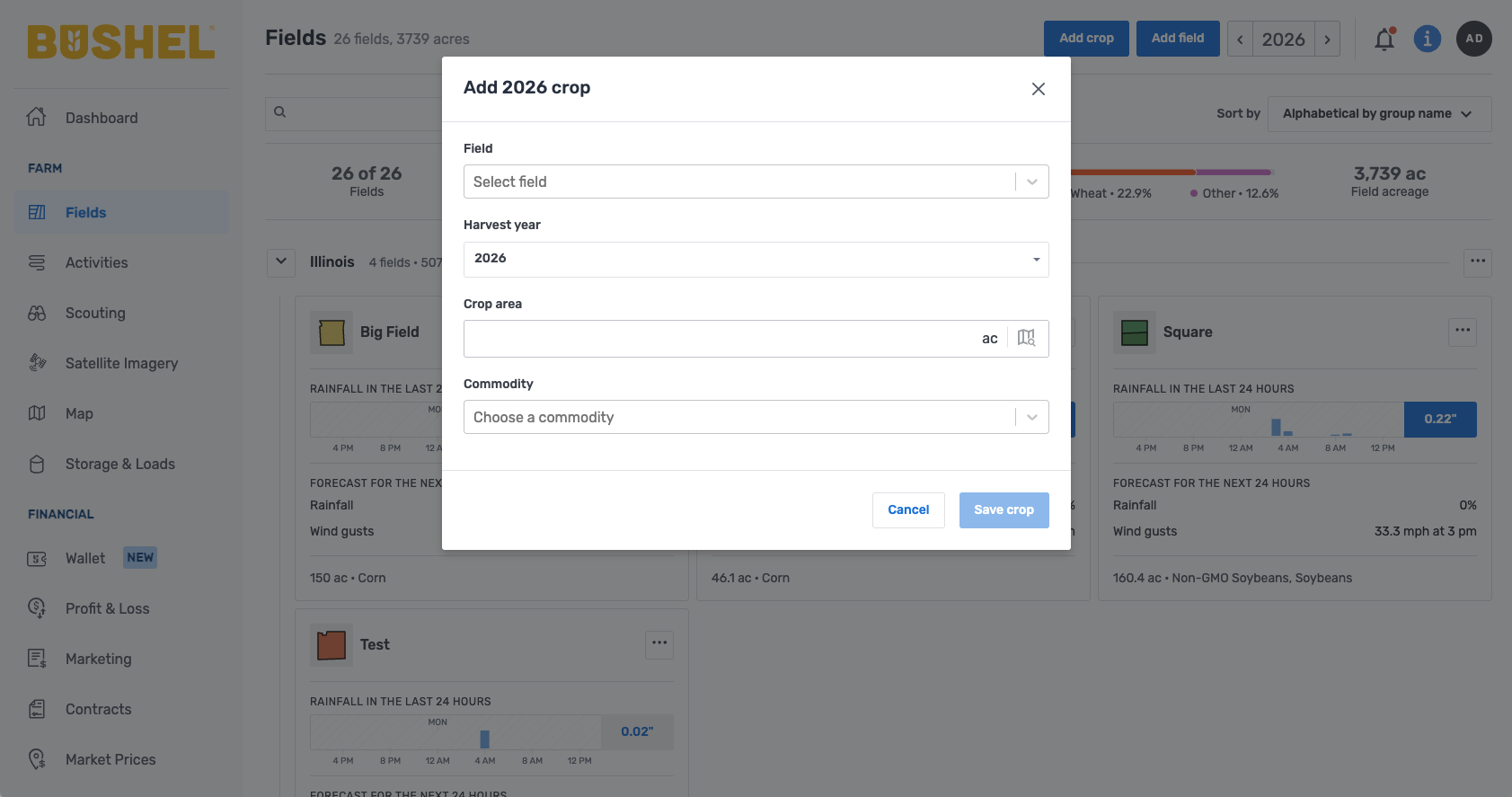
You can either add crops to fields individually or now you can add the same crop to multiple fields by clicking Add Crop on the Fields page. Watch more about this here.
5. Log Input Purchases
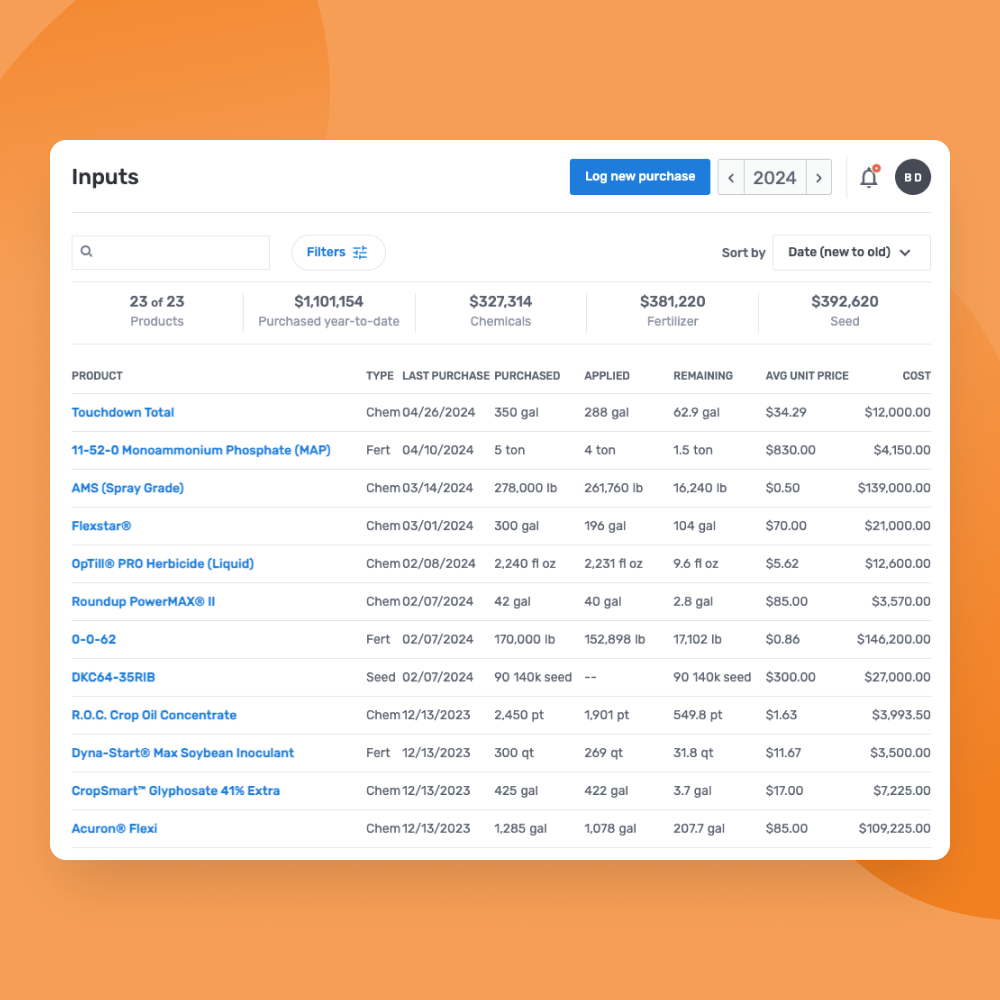
To keep an accurate cost of production automatically as you log fieldwork throughout the season, be sure to log any input purchases you’ve made already for this year. You can also add saved mixes or custom inputs. Watch more about this here.
6. Share Your Account with Partners or Employees
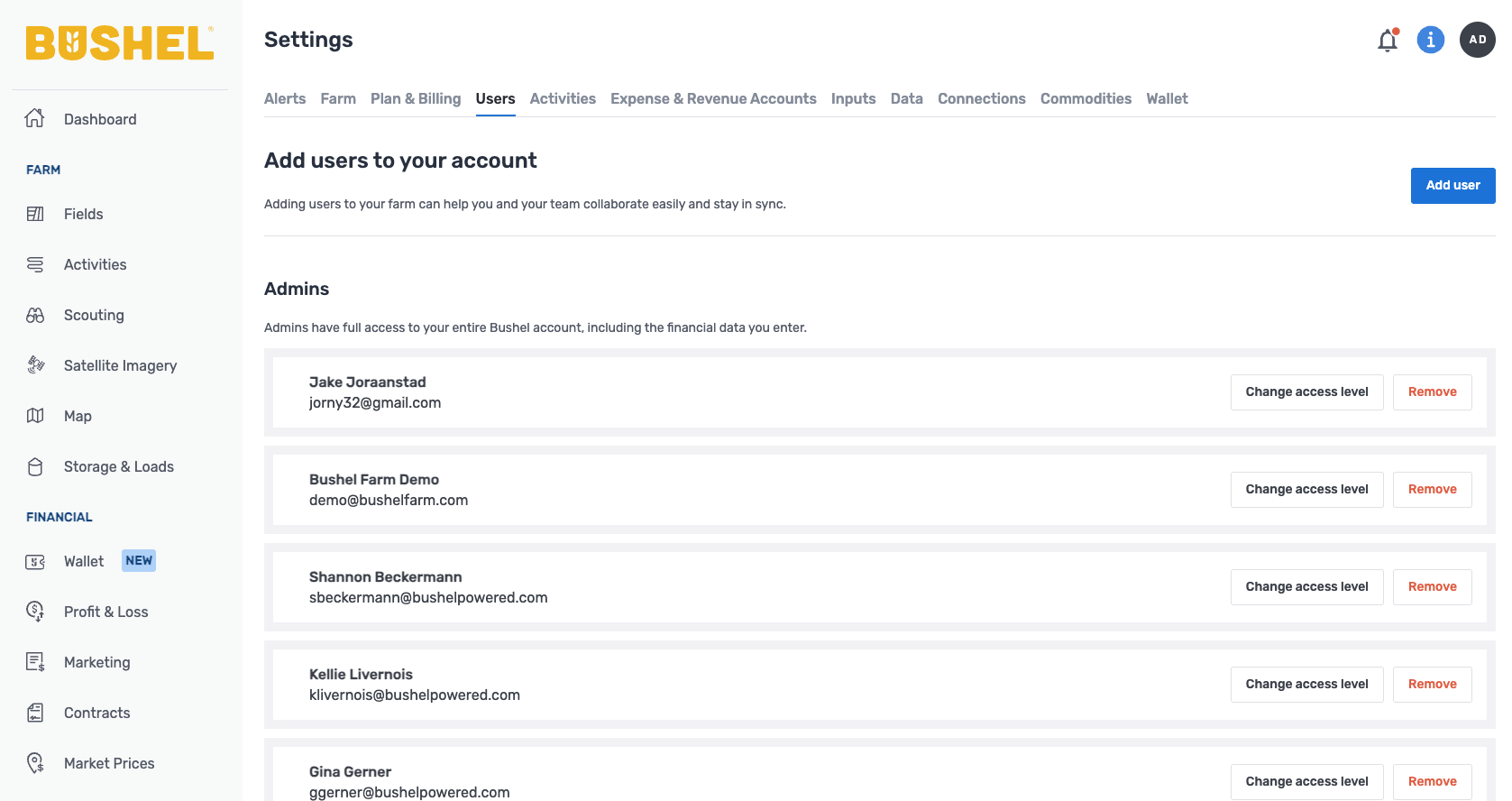
You can add people or third-party service providers to your account with different access levels to make it easier to stay on the same page with all your partners on the farm. Examples include farm managers, crop consultants, agronomists, marketing advisors, accountants, custom applicators, and more.
Only admins will have access to financial data. You can add authorized users to your wallet by clicking your initals in the upper right corner, selecting "wallet settings," then "manage users."
7. Prepare to Use Bushel in the Field
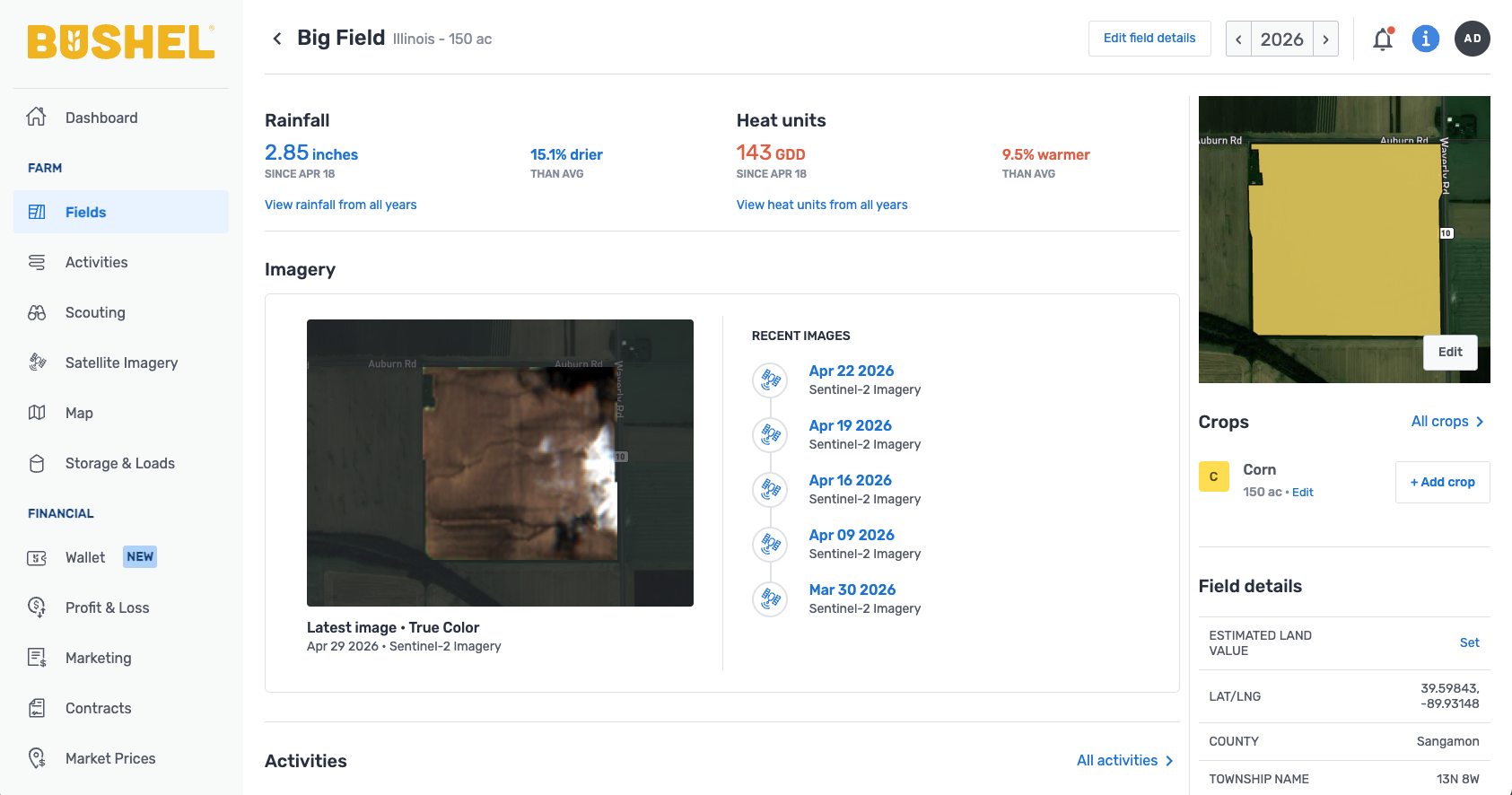
- Check out rainfall information on a field level. Farmers use this to help plan the logistics of their day.
- Don’t forget to explore the rain and heat history charts.
- Log geo-tagged scouting notes with pictures to keep good records and collaborate with others.
Get Help
To reference all Bushel farm management support articles, visit the Knowledge Base.
For more information about plans and pricing, click here.