


Wallet in Bushel Farm
Follow the steps below
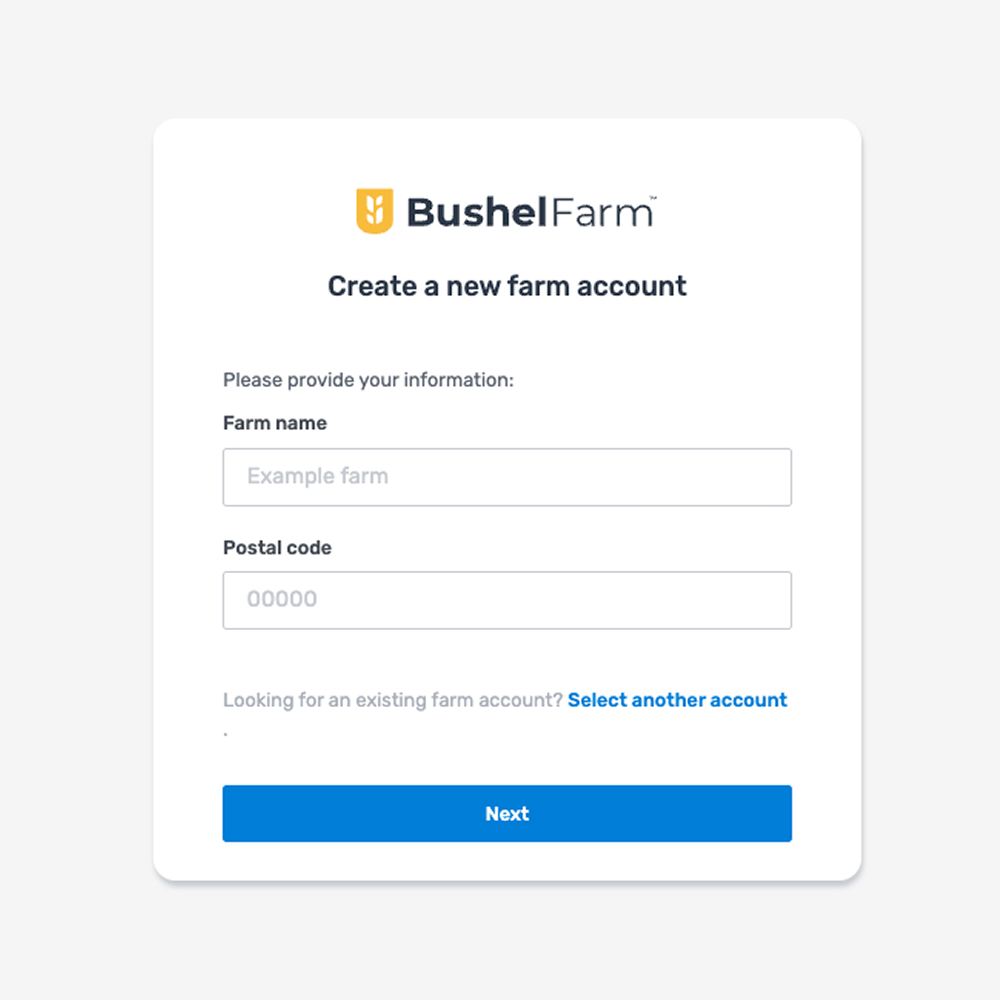
Create a Bushel Farm Account
Create your Bushel Farm Account. If you are new to Bushel Farm, you will get access to our Enterprise plan features for 30 days!
Go to Wallet Feature
Click wallet in your navigation
Open Your Bushel Business Account
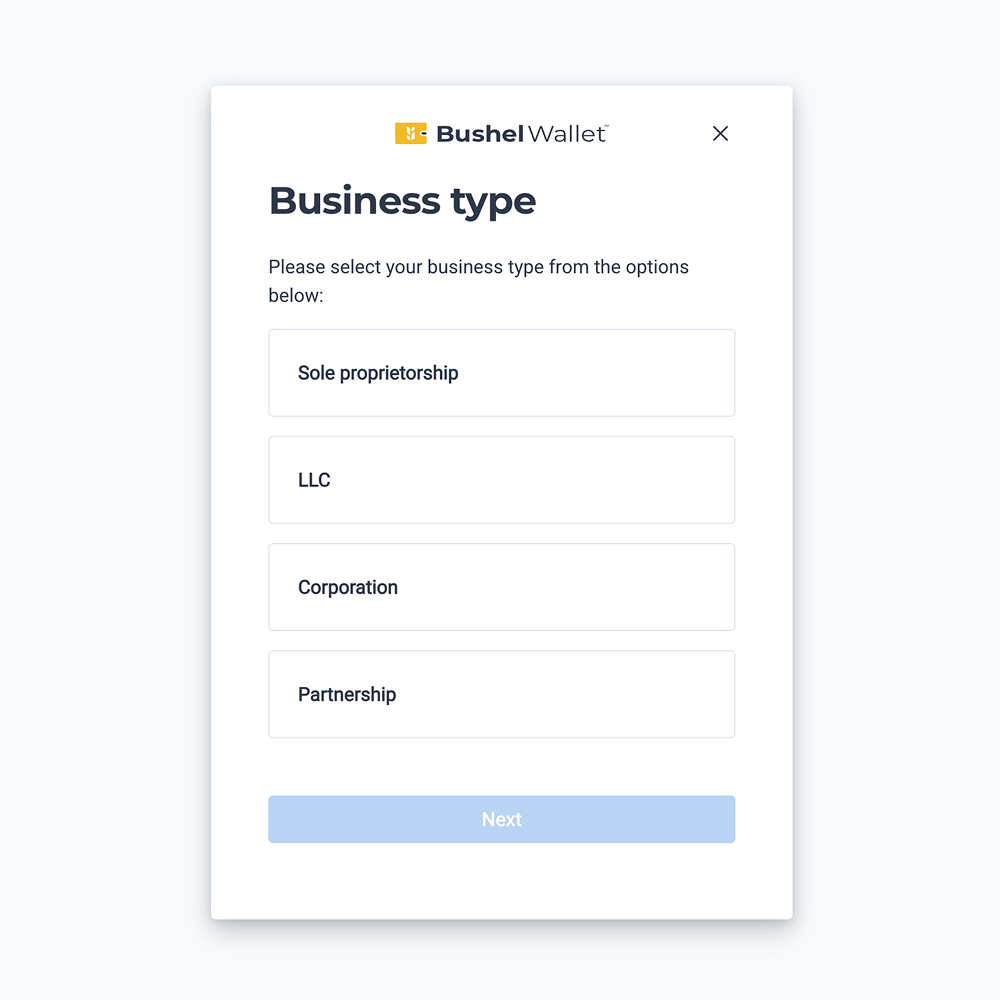
Follow the steps to open your Bushel Business Account, provided by The Bancorp Bank, N.A. Member FDIC.1 If you already have a Bushel Business Account, skip ahead to the next step.
Note: To help the government fight the funding of terrorism and money laundering activities, federal law requires all financial institutions to obtain, verify, and record information that identifies each person who opens an Account.
What this means for you:
When you open an Account, we will ask for your name, address, date of birth, and other information that will allow us to identify you. We may also ask to see a copy of your driver’s license or other identifying documents.
Link Bushel Business Account
Select Your Bushel Business Account to Link in Bushel Farm
The Bushel Business Account you just created should now appear in Bushel Farm. You may need to click "connect."
If you have already created a Bushel Business Account, you should see an option to connect your account in Bushel Farm.

Start Using Bushel Farm
By linking a Bushel Business Account, you just got access to our Bushel Farm subscription at no cost. This includes adding fields, viewing recent and historical rainfall, creating scouting notes, logging inputs, and more!

Activate a 30 day free trial of the Enterprise plan features at any time. After your trial period ends, you’ll retain our Bushel Farm features, including recent and historical rainfall & more, for free.2 Upgrade plans at any time and receive up to $400 cash back (on eligible plan purchases) in your Bushel Business Account.
Do More with Wallet
Connect Accounts
Easily manage cash flow by linking external bank accounts to seamlessly transfer funds
Link Lines of Credit
Link lines of credit with participating lenders to view loan details, make payments, and utilize the loan
Opt In To Debit Card
Spend your Bushel Business Account balance convenitently with a Bushel Gold Visa® Debit Card3
Mobile Deposit
Limits built for agriculture: Deposit large settlement checks4 without a trip to the bank
